

The most important
- Yes, one QR code can lead to multiple links. The code still encodes a single address. That address opens a page holding all your destinations.
- Two different products share the name. A multi-link code opens a landing page and lets the visitor choose. A multi-URL or "smart" code picks one destination for them based on country, language, time, or scan count.
- It only works on dynamic codes. A static QR code has its destination baked into the pattern and can never hold more than one.
- You can change the links after printing. Nothing about the physical code changes when you swap a destination.
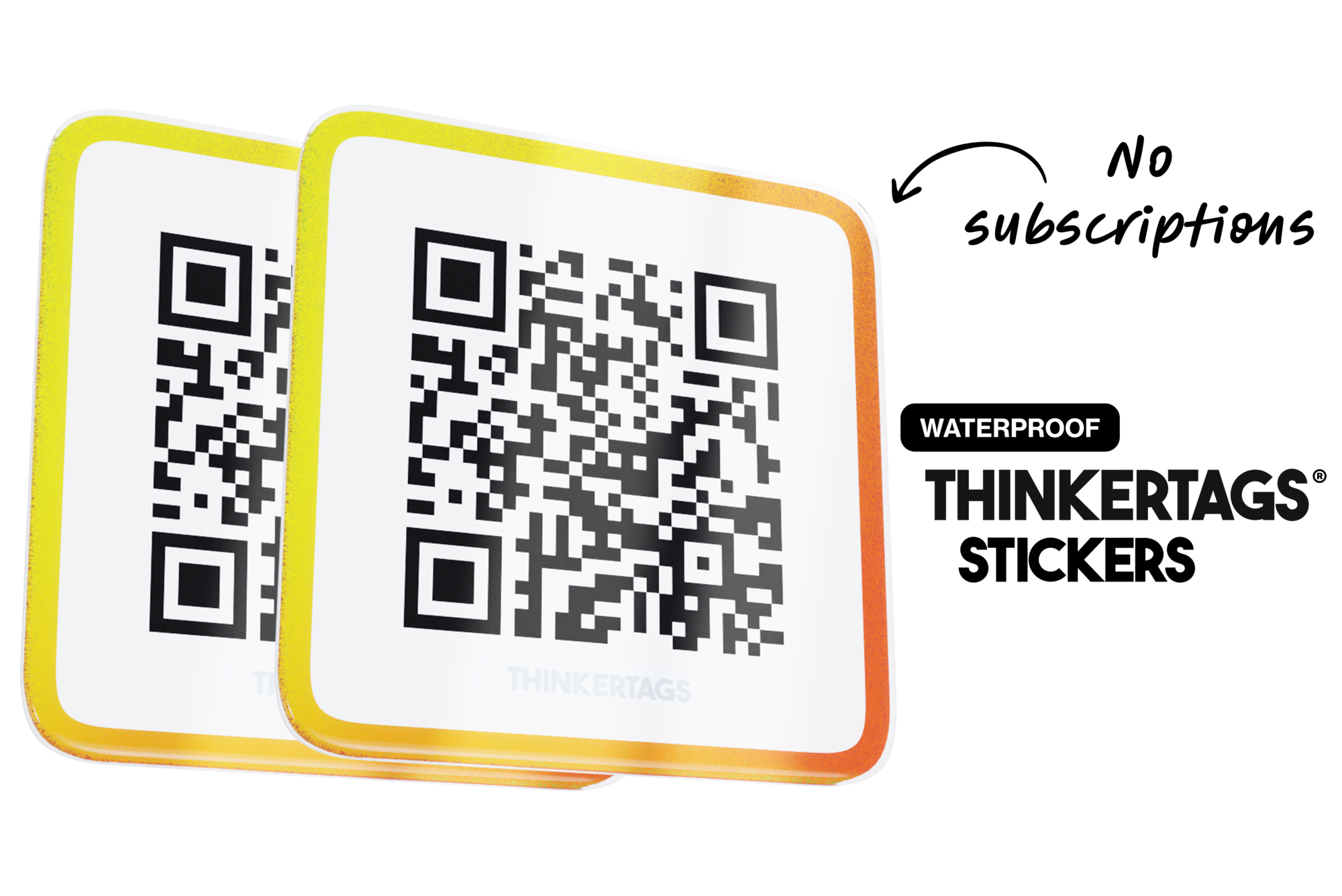
- Thinkertags include up to five links per sticker with no subscription. The redirect and the preview page come with the physical tag.
Walk up to a café table and you'll often find three small black squares taped near the edge. One is the menu, one is the WiFi, one is a review link, and nothing on the table tells you which is which. People scan the wrong one, shrug, and go back to their conversation.
That's the problem a multi-link QR code solves. You print one code, and whoever scans it picks where to go.
Can one QR code have multiple links?
Yes, though it helps to understand what's happening underneath.
A QR code is a picture of a string of text. When that text is a web address, your camera offers to open it. The pattern can only encode one string, so in the strictest sense a QR code always has exactly one destination.
What changes is what sits at that destination. A dynamic QR code encodes a short redirect address that you control. Point the redirect at a page listing five links, and the single code now reaches all five. Point it somewhere else next week and every printed copy follows, because the pattern itself never changed.
This is also why the feature only exists on dynamic codes. If you generated a static code, with the destination written permanently into the squares, there's no redirect in the middle and no way to add a second link short of reprinting.
The two things people mean by "multi-link"
Search for a multi-URL QR code generator and you'll get two genuinely different products sold under one name. They behave nothing alike, and picking the wrong one is the most common mistake in this category.
| Multi-link landing page | Multi-URL "smart" code | |
|---|---|---|
| What the visitor sees | A page with your links, and they choose | One destination, chosen for them |
| Who decides | The person scanning | Rules you set in advance |
| Typical triggers | None | Country, language, device, time of day, scan count |
| Best for | Menus, socials, reviews, booking, contact | Regional pricing, app store routing, campaign splits |
| Main drawback | One extra tap before the destination | Can send someone where they didn't want to go |
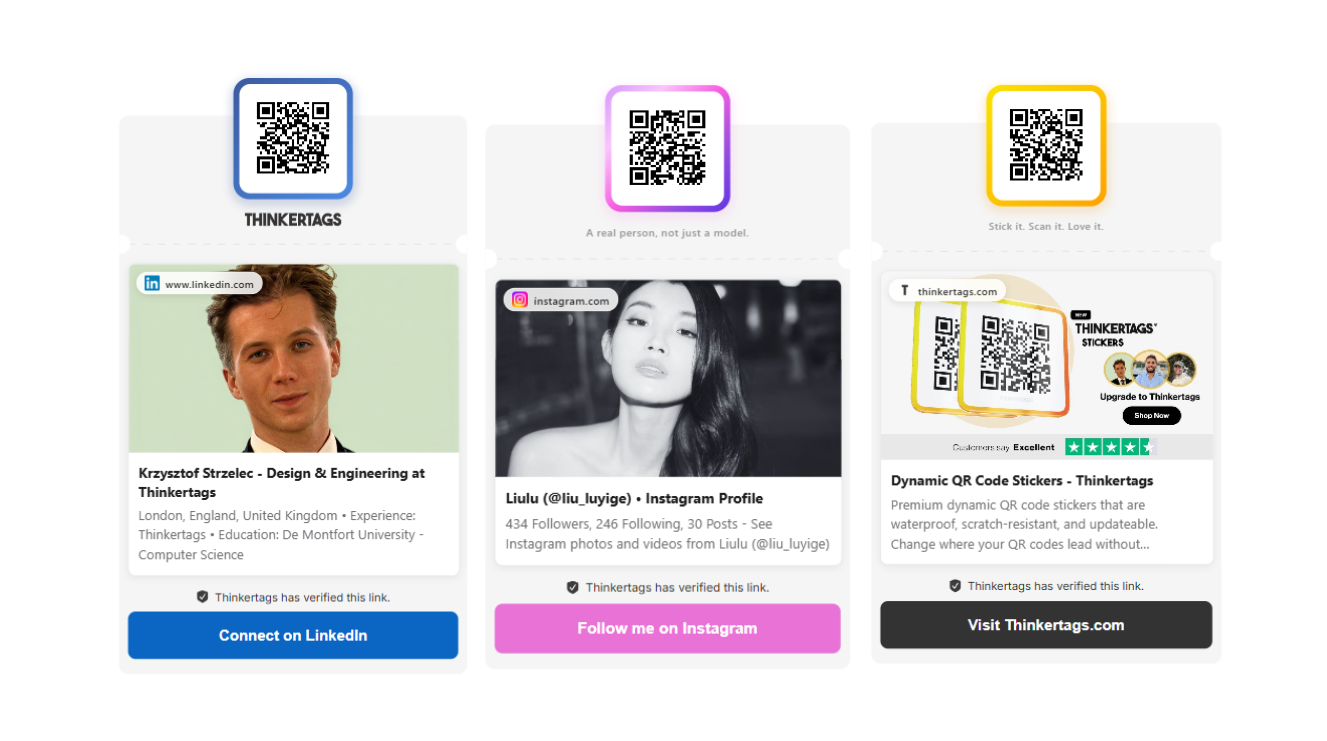
Thinkertags Multilink is the first kind. The visitor lands on a preview page and taps what they came for. Here's a live one — that's exactly what someone sees when they scan a tag configured this way.
Smart routing suits a different job. If you sell into six countries with six pricing pages, sending a German scan to the German page saves everyone a step. For a sticker on a counter, that machinery mostly adds ways to be wrong.
What people see when they scan
The page that opens is where a multi-link code either works or falls apart. A bare list of blue URLs makes people bounce, because nobody wants to guess which link is the menu.
A useful preview page gives each destination a name, an image, and an order that matches how often people want it:
- A primary link that gets the top position, since roughly speaking one destination carries most of the traffic
- Your own images on each entry rather than whatever the target site happens to expose
- Titles you wrote, so "Book a table" doesn't show up as
reservations-widget-v2 - Public and private links side by side, which lets you keep a staff-only manual on the same tag as the customer menu
You can change any of it from your phone, and the sticker on the table stays where it is.
One code with five links, or five codes?
Plenty of businesses run a code per destination, and for a while that's fine. The costs show up as you add the third and fourth.
| Five separate codes | One multi-link code | |
|---|---|---|
| Table clutter | Four to five printed squares | One |
| Wrong-code scans | Common, since codes look identical | Not possible |
| Adding a destination | Design, print, and stick a new code | Add a link, done |
| Changing a destination | Reprint that code | Edit the link |
| Scan data | Split across codes | One place, per link |
The case for separate codes is real in one situation: when the destinations serve different people in different places. A code on your shop window pointing at opening hours and a code on the table pointing at the menu should stay separate, because the context does the explaining. Five codes crowded onto one table surface is where it stops making sense.
Do you need a subscription for a multi-link QR code?
Most generators put multi-URL behind a paid tier, and the monthly fee is doing two jobs at once. It keeps your redirect alive, and it pays for the platform features around it.
When a subscription earns it. Once you're running a large fleet, splitting scans across franchise branches, handing clients white-labelled portals, or wiring scans into a CRM, that's real software and it costs real money. Smart routing by country or device usually lives up there too.
When it doesn't. A sticker on a counter pointing at a menu, a review page, and an Instagram profile needs a redirect and a page. Paying €15–€35 every month to keep three links alive is a lot for what's happening. It's also worth asking any provider what becomes of your printed codes if you stop paying, because several deactivate the redirect and turn every sticker you've stuck down into a dead end. We went through the full arithmetic in what dynamic QR codes cost in 2026.
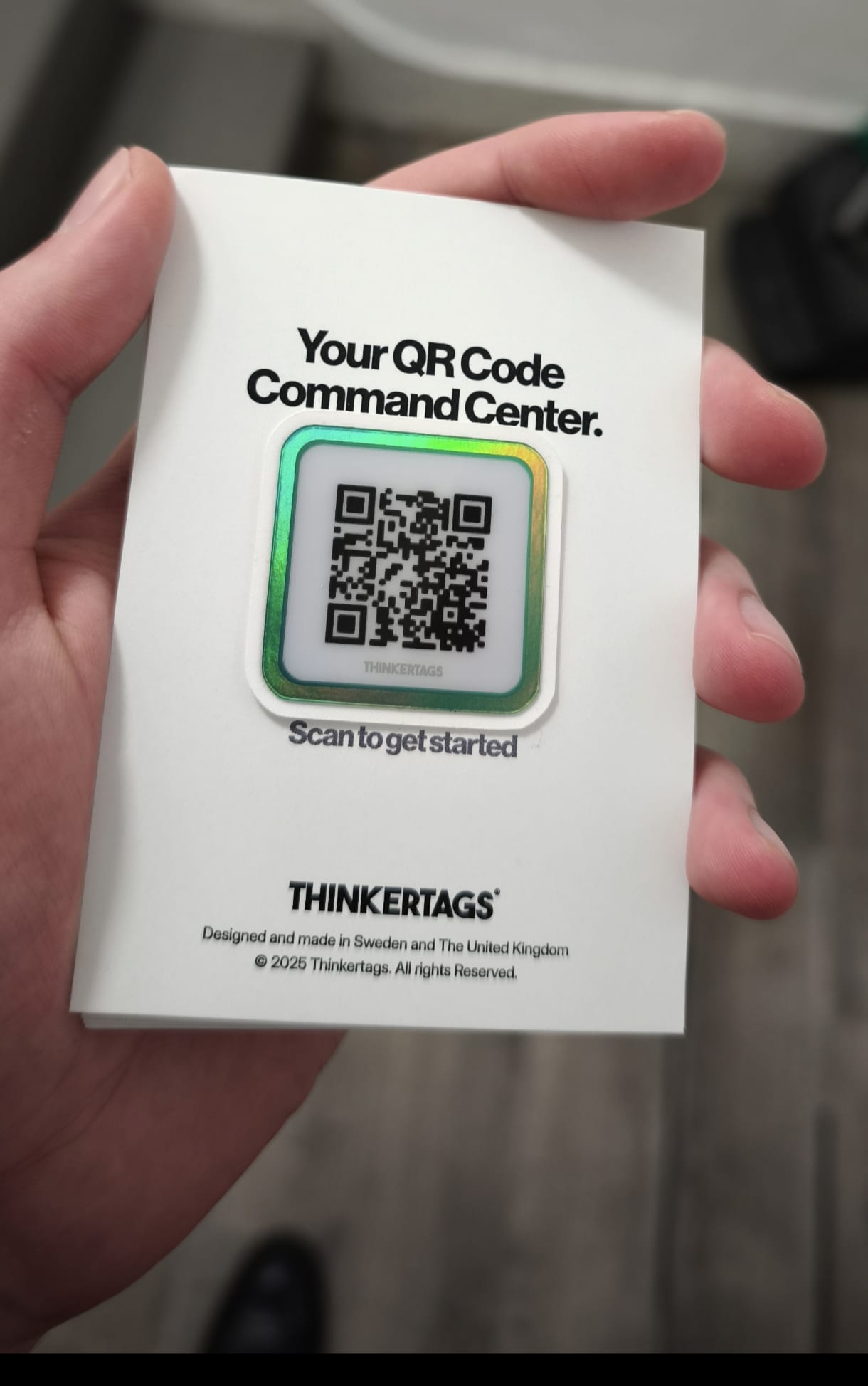
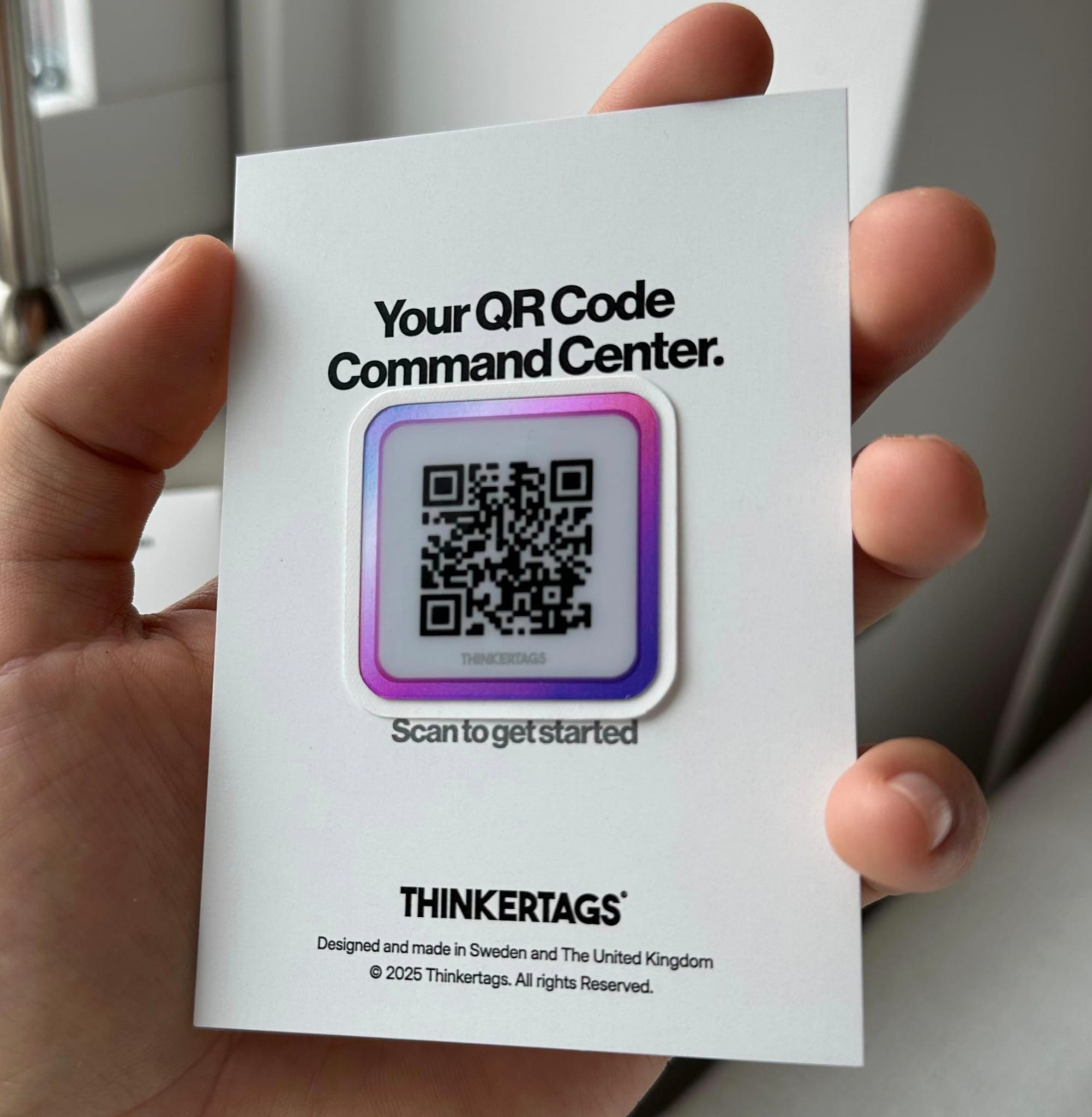
How Thinkertags handle it. Up to five links, the preview page, and lifetime dynamic redirection come with the physical sticker at a one-time price. There's no tier where your links switch off.
QR Code Stickers
How to set up a multi-link QR code
On a Thinkertag it takes about three minutes:
- Claim the tag. Scan it with your phone, create an account, and give it a name you'll recognise later.
- Add your links. Up to five, and any address works — a website, an Instagram profile, a PDF menu, a Google Maps pin, a booking calendar.
- Set the primary link. This is the one most people came for. Put the menu first in a restaurant and the review page first on a counter tag.
- Add images and titles. This is the step people skip, and it's the one that decides whether the page reads as yours or as a list of URLs.
Editing later takes seconds. If several tags point at the same asset, they all update together, which matters when the same menu link is on forty tables.
Where five links earn their place
Restaurants and cafés. Menu first, then reviews, Instagram, allergen information, and the booking page. Diners scan for the menu and see everything else on the way, which is a far easier ask than a server bringing up Instagram at the end of a meal.
Networking and business cards. LinkedIn first, then a portfolio, a booking calendar, and a contact card that saves in one tap. You hold out the tag instead of spelling your name twice. This is my own setup if you want to see how it's arranged.
Retail and service counters. A review link as primary, with reordering, a warranty registration form, and a private message channel underneath for customers who'd rather tell you about a problem than post about it.
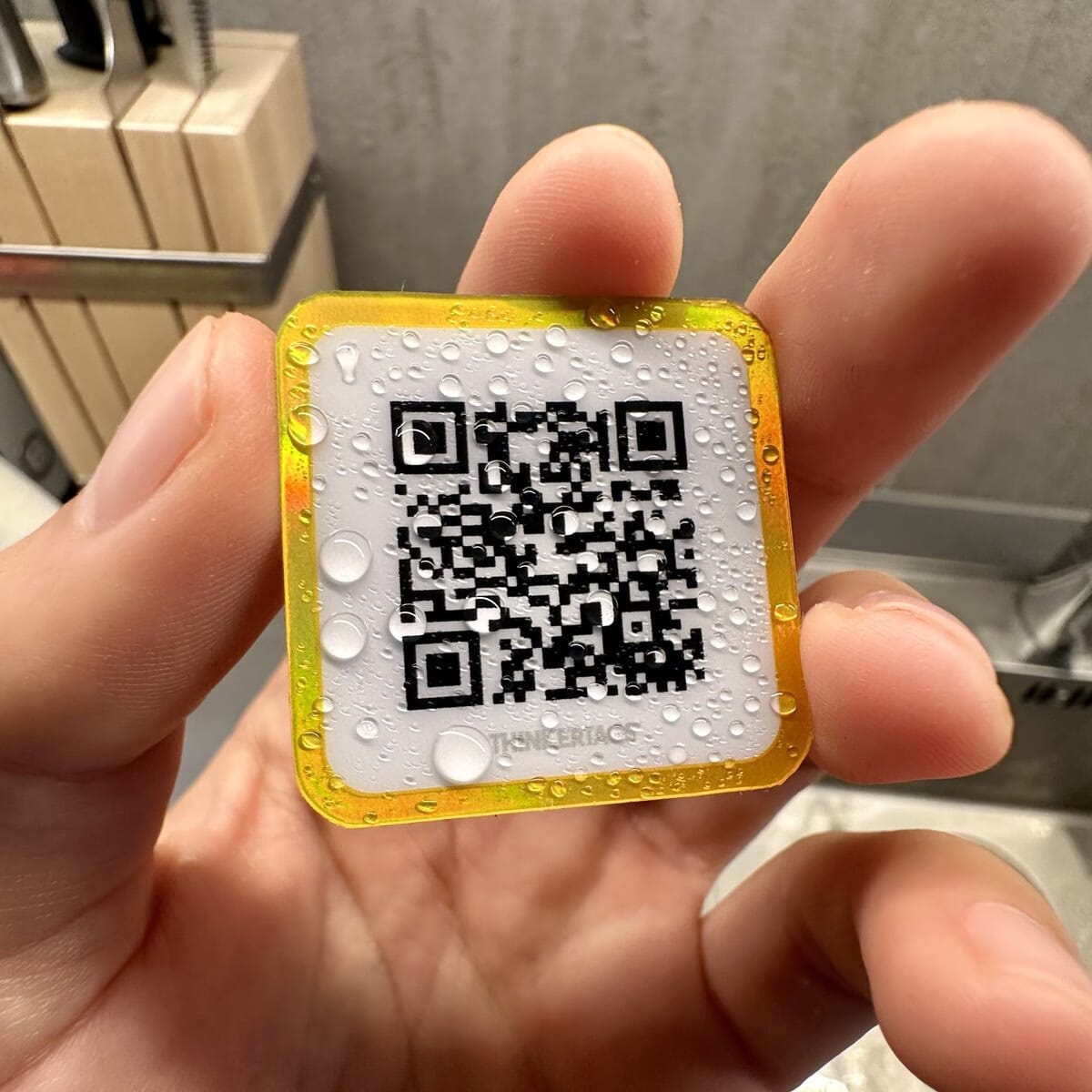
Equipment and rentals. The operating manual first, then a parts list, a service log, and a fault-reporting form. One weatherproof tag on the machine replaces a laminated sheet that goes missing.
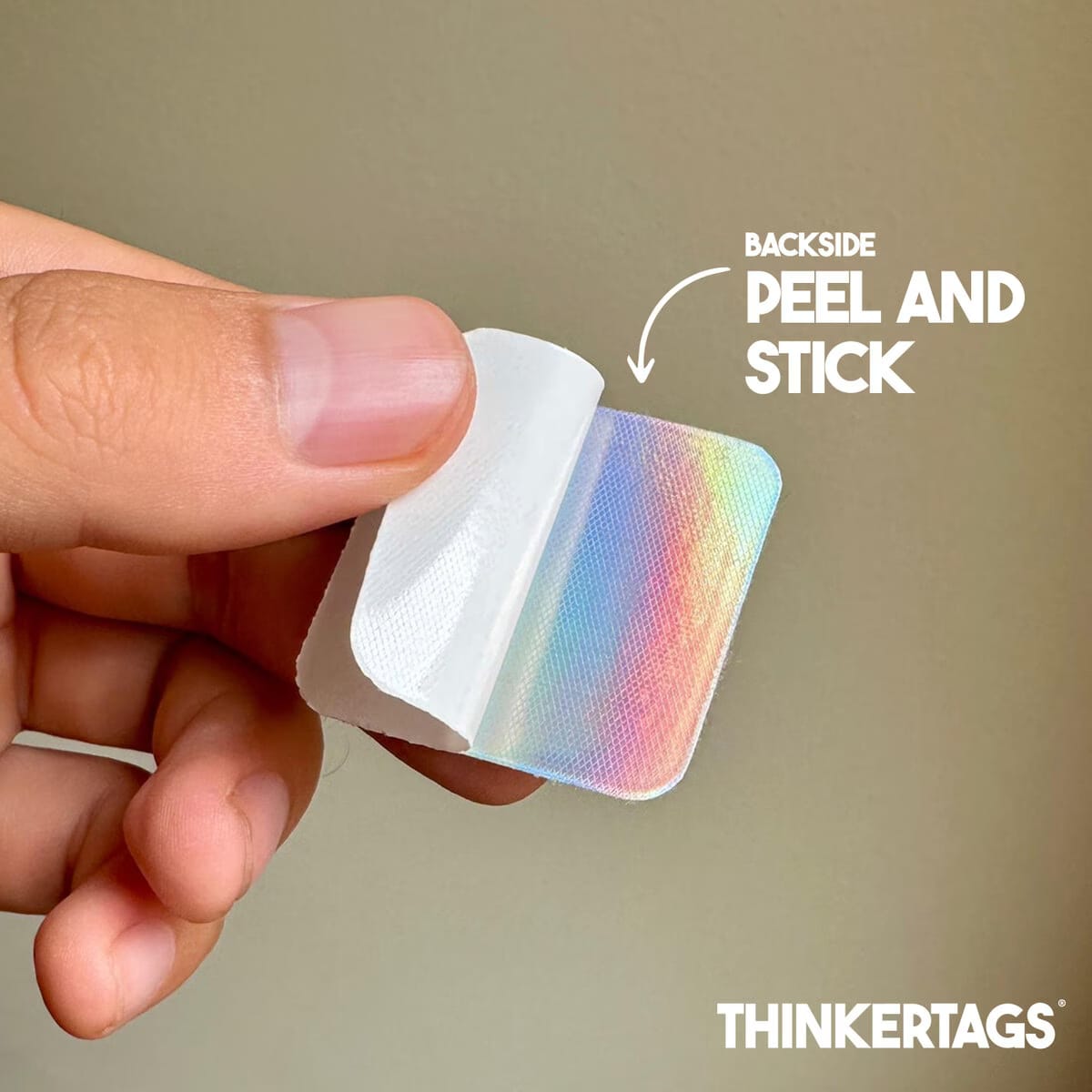
Thinkertags Stickers
Our mission is to make beautiful and scratch resistant stickers with NFC that elevate your brand, are updatable and last a long time.
 Shipping today




Our mission, tags that you will love.

Common Questions
Can a QR code have more than one link? A QR code encodes a single address, but that address can open a page holding as many links as you want. Any code sold as "multi-link" or "multi-URL" works this way. It requires a dynamic code, since static codes carry their destination inside the pattern.
How many links can one QR code hold? That depends on the provider. Thinkertags support up to five per tag, which covers the destinations most businesses actually use. Some platforms allow more, though pages with a dozen links tend to get ignored past the first few.
Can I add a link after the sticker is printed? Yes. The printed pattern points at a redirect rather than at your content, so adding, removing, or reordering links changes nothing physical. This is the main practical reason to choose dynamic codes over static ones.
What's the difference between a multi-link and a multi-URL QR code? They're often used interchangeably, but a multi-link code opens a page and lets the visitor choose, while a multi-URL or "smart" code sends each scan straight to one destination based on rules like country, language, or time. Multi-link suits a counter or a table. Multi-URL suits campaigns spanning several regions.
Do multi-link QR codes need a subscription? On most generator platforms, yes — multi-URL sits on a paid tier and the codes stop redirecting if you cancel. Thinkertags include the feature with the physical sticker at a one-time price, so the links keep working with no recurring fee.
Is a multi-link QR code the same as a link-in-bio page? The idea is similar, but the delivery differs. A link-in-bio page lives on a social profile and gets tapped by people already looking at your account. A multi-link QR code puts the same set of destinations on a physical surface, where you reach people standing in front of you.
Want five destinations behind one sticker? Explore Thinkertags — commercial vinyl with NFC and QR, up to five links, no monthly fee.