Operational control for distributed equipment comes down to two things: visibility - knowing where everything is and what state it's in - and accessibility - getting the right information to the right person at the right moment.
Most operations have gaps in both. Not because their systems are bad, but because nothing connects those systems to the physical asset in the field. Here at Thinkertags we investigated this particular issue and came up with a simple solution to bridge this gap.
The fix is simpler than most think. Jump to the solution.
The Two Pillars: Visibility and Accessibility
Pillar 1: Visibility
Visibility means: Seeing your entire equipment fleet - location, status, condition - in real time.
For distributed equipment (units deployed at customer sites, across facilities, or in the field), visibility is the foundation of operational control.
What visibility enables:
| Capability | Operational Impact |
|---|---|
| Know where every asset is | Route optimization, utilization tracking |
| See status across the fleet | Proactive maintenance, reduced downtime |
| Identify patterns | Data-driven decisions, capacity planning |
| Track service history | Quality assurance, warranty management |
| Monitor compliance | Audit readiness, risk reduction |
Pillar 2: Accessibility
Accessibility means: The right information is available to the right person at the right moment - without friction.
This is where most operations fail. The data exists. The systems exist. But when someone is physically standing at an asset - a technician, an inspector, a customer - getting to that data requires:
- Logging into a system
- Searching through records
- Calling the office
- Waiting
Every step is friction. Friction slows service. Friction introduces errors. Friction frustrates your team and your customers.
What accessibility enables:
| Capability | Operational Impact |
|---|---|
| Instant asset identification | No searching, no guessing |
| On-site access to service history | Better service quality |
| Documentation at the asset | Compliance, troubleshooting efficiency |
| Self-service for customers | Reduced inbound coordination |
| Data capture at point of interaction | Accurate, timely records |
How I Would Solve This: Thinkertags
Thinkertags is purpose-built for exactly this problem.
It's a digital transformation tool focused on one thing: bridging the gap between physical assets, digital data, and the people who need access.
Take your Asset Operations
into the 21st century.
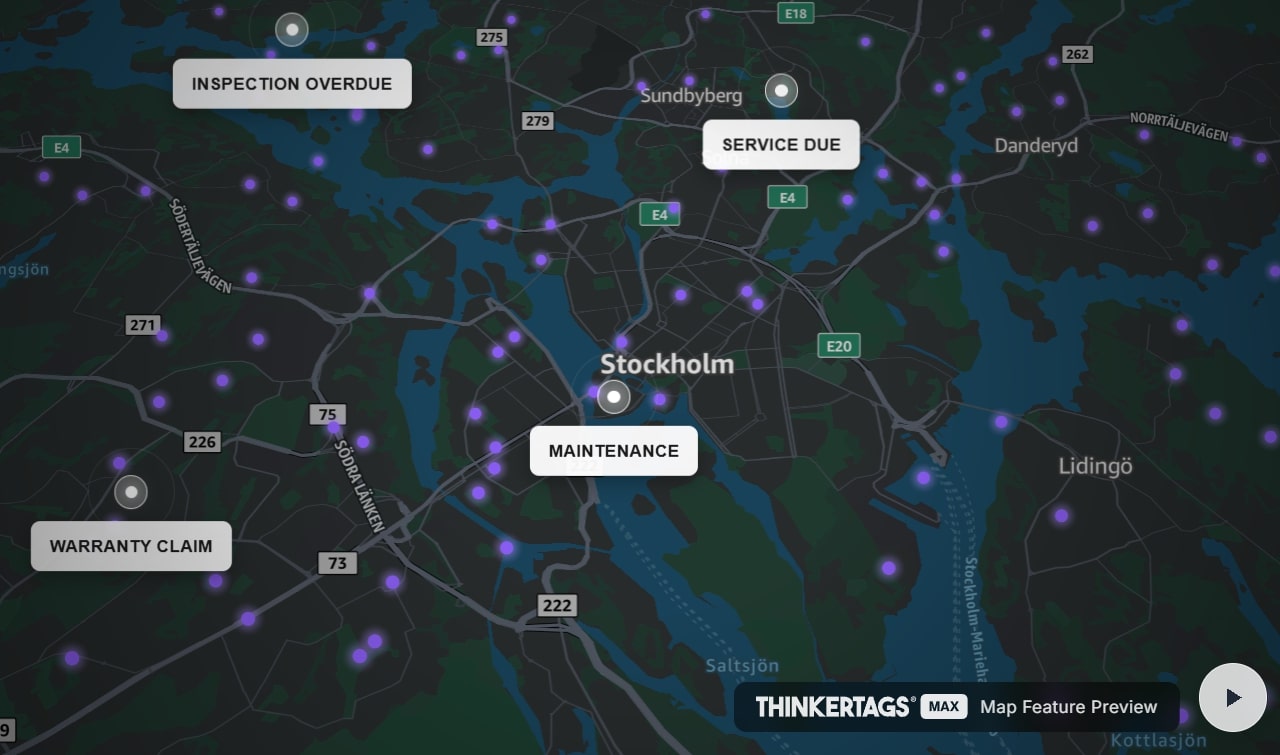
 Map Feature Preview
See how Thinkertags brings your entire asset fleet to life.
Here's how it works:
The Physical Layer: Smart Tags
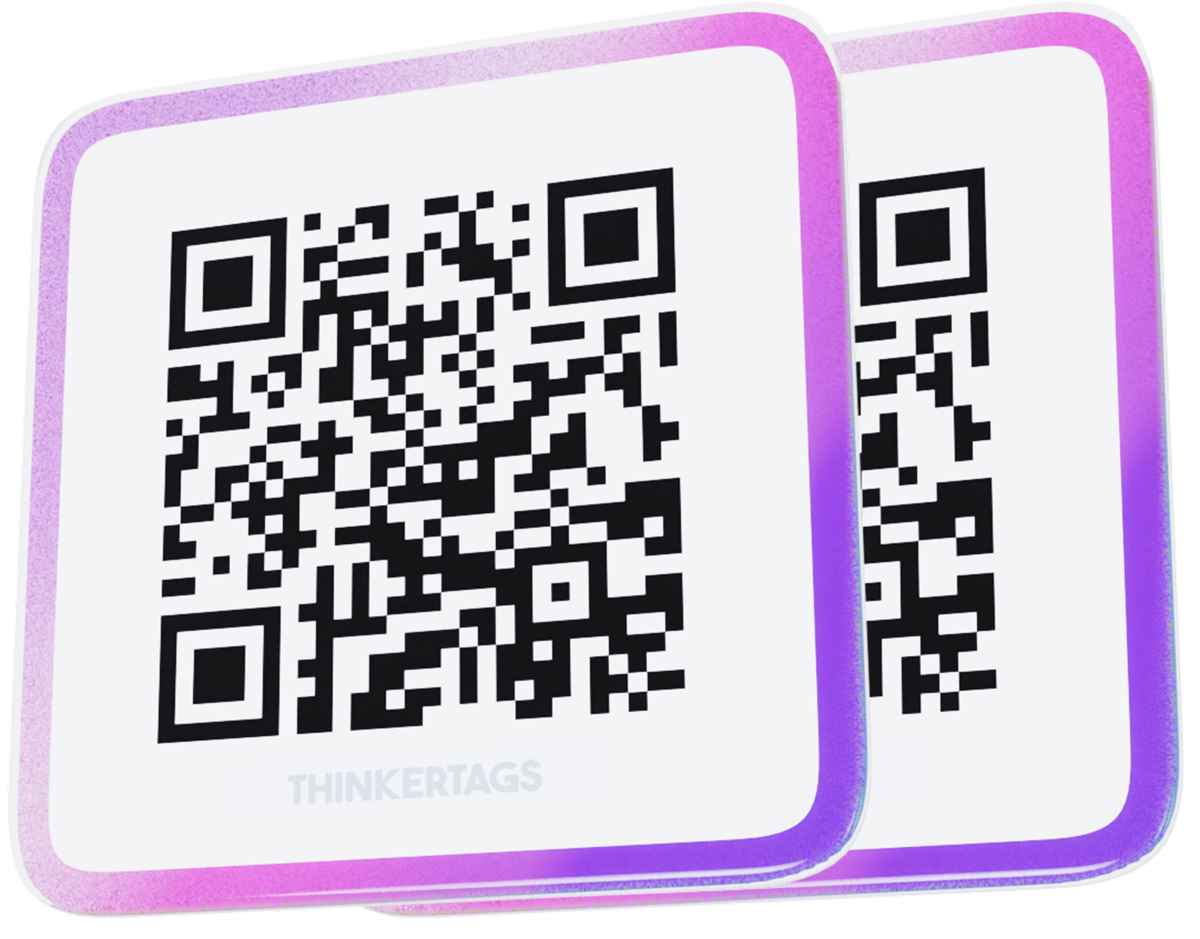
Every asset gets a professional QR code tag - industrial-grade, weather-resistant, designed for 5+ years in harsh environments.
The tag is the permanent physical identifier. Scan it with any smartphone camera, and you're connected.
No app required. Works on any device.
The Access Layer: Instant Information
When someone scans a Thinkertags QR code, they get immediate access to:
Option A: Your Existing Systems
Link each tag to your current infrastructure:
- Direct link to the asset record in your ERP
- Direct link to work orders in your CMMS
- Links to documentation, manuals, training materials
- Up to 5 configurable destinations per asset
Thinkertags becomes the physical entry point to systems you've already invested in. No changes to those systems required.
Option B: StoreFront (Built-in Asset Profiles)
For capabilities your current systems lack, StoreFront provides lightweight asset management:
- Asset identification - name, image, serial number, custom fields
- Document management - attach manuals, certificates, inspection reports directly to the asset
- Status tracking - custom statuses (In Service, Maintenance Due, Out of Commission) with full audit trail
- Service requests - one-tap requests from the asset, arriving with complete context
- Private notes - internal information visible only to authenticated team members
Most operations use both - linking to existing systems for core data, using StoreFront for field-specific capabilities.
What's your asset score?
Answer 10 questions. See how you compare to industry leaders and get a free Thinkertags®.
The Visibility Layer: Fleet Map
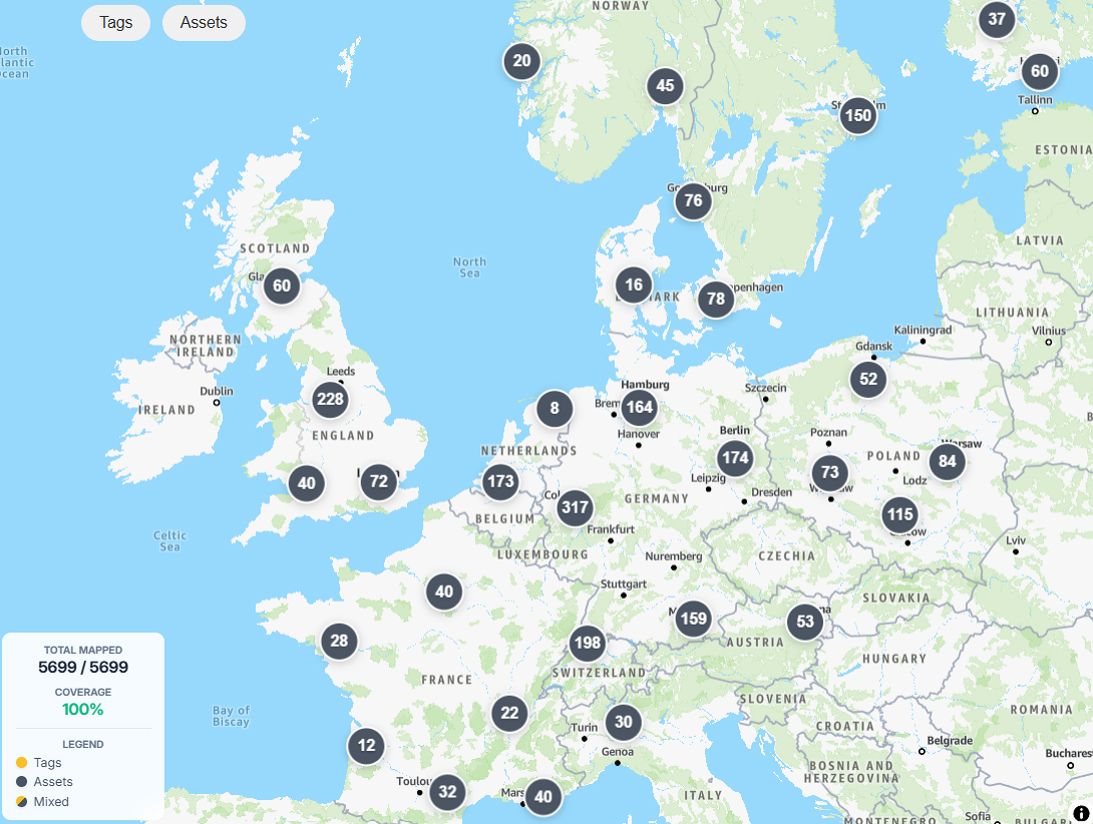
See your entire equipment fleet on an interactive map:
- Every asset plotted by location
- Filter by status, tag coverage, custom criteria
- Identify patterns across sites
- Proximity mode for on-site navigation
One view answers: "Where is everything, and what state is it in?"
The Data Layer: Capturing What Was Out of Reach
Every interaction with a Thinkertags-enabled asset generates data:
- Scan logs - who accessed what, when, from where
- Status changes - full history with user attribution
- Service requests - timestamped, contextualized, traceable
- Document access - which documentation is actually being used
This is data that previously didn't exist - field interactions that happened but never made it into your systems.
Now it flows automatically. Your operational picture becomes complete.
Why This Approach Works
Low Complexity
| Aspect | Thinkertags Approach |
|---|---|
| Implementation | Tag assets, configure links - operational in weeks |
| Training | Scanning QR codes requires no training |
| Maintenance | Cloud-hosted, no on-premise infrastructure |
| Integration | Links to existing systems, doesn't replace them |
High Impact
| Visibility Improvement | Accessibility Improvement |
|---|---|
| Real-time fleet status | Instant asset identification |
| Spatial view of all assets | Documentation at the asset |
| Complete service history | No-friction service requests |
| Audit-ready records | Self-service for customers |
| Data from every field interaction | No apps required |
Clear ROI
Direct savings:
- Technician time recovered from identification/documentation tasks
- Coordination time eliminated from service requests
- Audit preparation reduced from hours to minutes
Operational improvements:
- Service quality increases with complete information access
- Data accuracy improves with point-of-interaction capture
- Scalability improves without proportional overhead increase
Typical payback: Month 1.
The Bottom Line
Equipment management doesn't need to be complicated.
Visibility and accessibility are the foundations. Most operations have gaps in both - not because their systems are bad, but because there's no connection between those systems and the physical equipment they manage.
Thinkertags bridges that gap. Simply. Affordably. In weeks, not months.
The result: streamlined operations, better data, improved service quality, and the control you should have had all along.
Thinkertags - Visibility and accessibility for distributed equipment operations.




Ready to discuss your asset management needs?

Call us
Mon–Sat, 9 AM – 7 PM